De-Googling and Rejecting Corporations
"Don't be evil"- Google's former motto (Wikipedia)
With how entrenched corporations are within all of our lives, it may seem impossible to remove yourself from them. This guide is here to show you how. Here are multiple products/services you can switch to so you can limit big tech's control over your life, all while increasing privacy and fighting back against our corporate overlords. I recommend blocking ads and increasing your privacy first. r/degoogle and r/CorpFree are also very good resources.
Background
You don't need to remove everything.
With how crucial big tech's services are to simply existing in modern life, it is basically impossible to fully remove yourself from their ecosystem. For example, I have gotten my Google usage down to only a few services, along with opting out of them saving any of my user activity, but I still use several.
I still get emails forwarded to me from my old Gmail. I still use Android as my phone operating system. I still use YouTube and Play, although third-party clients.
Even if you still use some of their platforms, you're still doing something. Despite how many Google products I still use, I've stopped using Gmail, Chrome, Search, Workspace and Drive, Messages, Contacts, Phone, Calendar, Maps, Keep, Password Manager, Gemini, Translate, Gboard, Pay, and Authenticator in addition to signing out where possible, turning off activity tracking, and removing Google's source of profit by blocking ads and trackers everywhere.
Your Data
Google offers a service called Takeout which allows you to download all of your data across all of the services you use. You can download everything ranging from your Passwords, Drive, Gmail, Classroom, Keep, Maps, Messages, YouTube, Calendar, Chrome, Contacts, and over 70 other platforms.
Microsoft offers a similar services within your account settings, although theres much less data to export.
These are invaluable when backing up data or when transferring to a different platform. Free and available from any browser.
Your Accounts
By going to your Google Account Settings, you can change numerous settings to limit Google's control over your account. You can change settings from the Data & privacy menu and delete your activity on My Activity.
One of the most annoying parts of this whole process for me was going through all the accounts I've made by signing up with Google and either deleting them or changing them to my new email, along with setting a password before unlinking Google. You can manage your connections on the Third-party apps & services page from your Google Account.
You can do the same for your Microsoft Account by going to your Microsoft Account Home. You can change your privacy settings under the Privacy page.
Free and available from any browser.

Proton
Proton is a nonprofit-owned company that was founded in 2014 to "build a better internet where privacy is the default" (Proton). They first rolled out Proton Mail, followed by Proton VPN (which you may have heard of as it's often considered to be the best VPN). Now they also have Proton Drive, Docs, Sheets, Calendar, Meet, Authenticator, a Password Manager, a private AI chatbot, and more. They are constantly adding new products to their lineup that have all the benefits of a big online ecosystem that big tech offers - with features they wouldn't want you to have - while being an open-source, ethical, and innovative alternative to Google and Microsoft's monopolies. The only downside is that for their products to be as fully functional as Google's, you need to subscribe to one of their plans. Personally, subscribing to the discounted student plan is more than worth it if it means I'm not supporting a company like Google.
Using Proton's platforms does not make you immune from privacy and security woes. For example, just recently they helped the FBI find a Stop Cop City protester, despite their claims of anonymity from the governments of the world (Cox). There is also something to be said about not "putting all your eggs in one basket" by using one company for every single thing you do online. Consider diversifying and decentralizing your online activity.
Browsers and Search Engines
Web browsers are the apps you use to view the internet (think Google Chrome, Safari, or Edge). Search engines are the sites you use to actually search the web (like Google Search or Bing).
Google has been cracking down on ad blockers recently, especially on YouTube. Switching to a non-Chromium browser and being able to take control of my browser has been great. I love that if there's something I don't like about Firefox, I can simply change it. As I'm sure everyone's aware, Google Search has gotten much worse after the advent of AI with worse results and an AI overview that you can't turn off that's often wrong.
You may have heard of Ecosia. Ecosia is an organization that has both a browser and a search engine that uses their revenue to plant trees and to donate to climate action. I love what they're doing and fully endorse and recommend everything they stand for, yet I do not use them. This is for the simple reason that they only make money when you click on an ad. Simply viewing the ad does not make them money, only clicking it does. To start, I already block all ads, but I would be ok with whitelisting them. The main reason is that I will never in a million years click on the ads they serve me. Not only do I not want more data collected about me than there already is, but I just can't trust anything that is recommended to me because they paid to be recommended to me rather than because they're actually a good option for something. So if I were to use Ecosia, I would both not help generate revenue for them to donate and I would be taking up space on their servers. Instead, I opt for not using things by big tech and for increasing my privacy so they aren't able to generate revenue from my data. By blocking their source of revenue, I'd say I'm still doing something good for the world. If you are the kind of person who, I guess, clicks on ads in a search engine for some reason, go for it (Ecosia, Owens). I still highly recommend them over anything big tech, and I'm glad people online are quick to remind others of their existence.
There is much debate over the best browsers and search engines online. It couldn't be more true than in this section that the most private and ethical something is, the less usable and functional it is. I think these picks are the best ones for general users, but they definitely are not the most private options. r/degoogle and r/CorpFree have lots of guides and discussions over which is the best if you would like more information.

Firefox
- Firefox is a, if not the most popular, non-Chromium based browser.
- It is extremely customizable. Advanced customization is possible with userChrome.css and userContent.css.
- You can further increase security by getting a custom user.js file. I recommend Betterfox.
- If you have concerns about its owner Mozilla, their implementation of AI, or the fact that they get most of their funding from Google, consider looking into one of its various forks (Mozilla). Despite the concerns, I still choose to recommend Firefox so I can have a widely supported browser that's constantly getting new updates. It's very easy to limit Mozilla's access to your device with a custom user.js file. I do not recommend Brave due to them being Chromium based and due to the investments they received from Peter Thiel, founder of Palantir.
- AI is opt-out.
- Free and open-source. Available on most mobile and PC platforms, but worse on iOS.

Startpage
- Startpage is one of the most popular privacy-forward search engines on the market.
- It allows you to stay anonymous online while getting quality results from existing search engines like Google or Bing.
- There is no force-fed AI.
- It is extremely simple.
- Note that using POST for your searches is more private and secure than GET. You can use the extension to automatically set this as your default search engine.
- If you have concerns about it's owner System1 or the fact that it uses anonymized results from big tech, consider looking into SearXNG. Despite the concerns, I still choose to recommend Startpage due to its stated goals, its simplicity, and its quality results. I do not recommend Brave Search due to the investments they received from Peter Thiel, founder of Palantir.
- Free. Available from any browser.

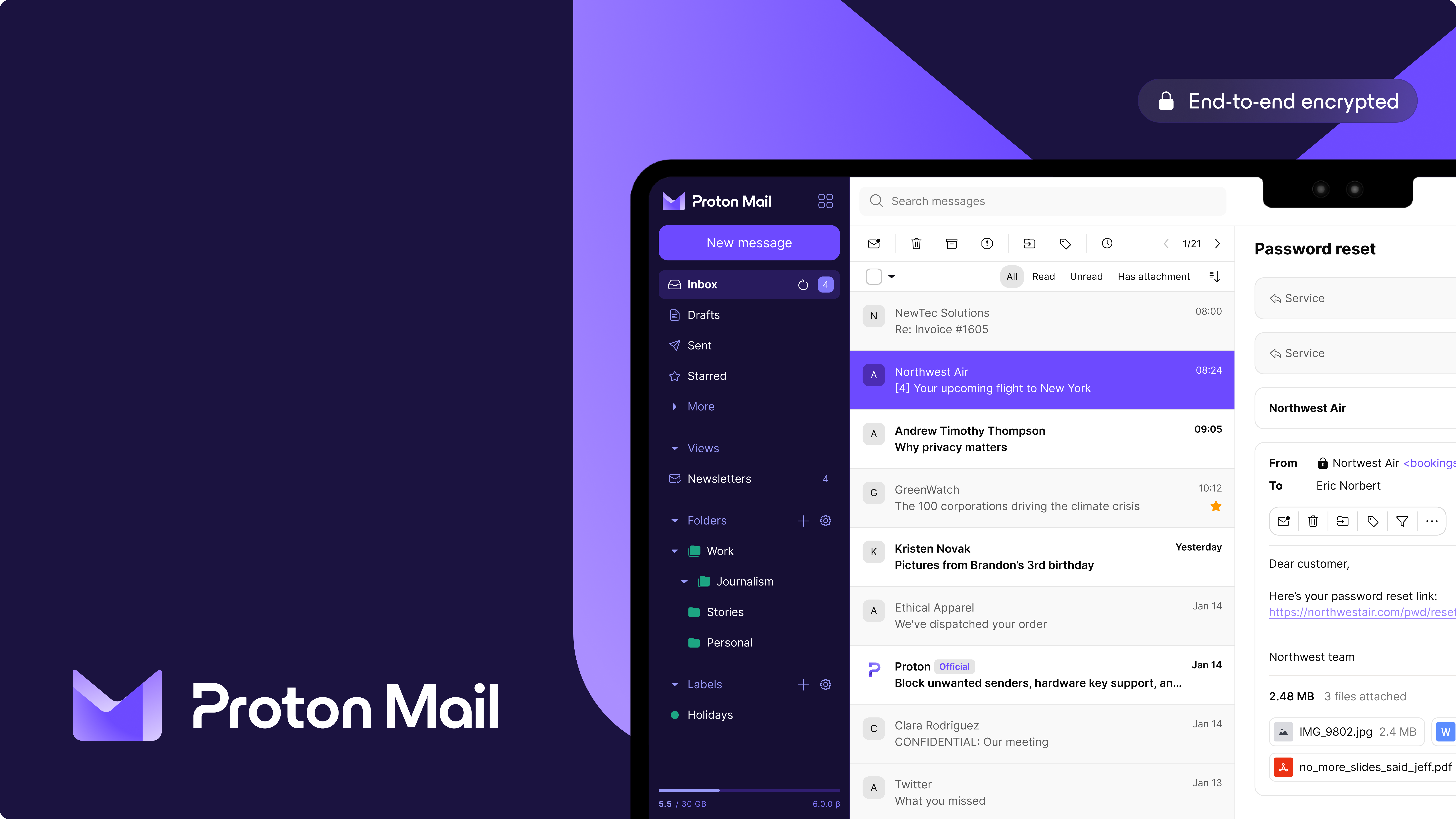
Switching your email provider is a lot easier than you may think. There are lots of small niche emailing services, but Proton Mail is relatively popular and common to the point where you may know someone or something who has a Proton Mail address. Proton has a program called Easy Switch that makes it extremely easy to switch. You'll set up forwarding so that any email sent to your old email address will now be copied to your new one, meaning you don't need to go through the hassle of changing accounts and telling people you have a new email if you don't want to. Also during Easy Switch, you can copy over everything like emails and labels so you can continue to use your email just as you were, without missing anything.
Making a new email address is also a great opportunity to change your email from whatever you set it to when you were 12. Switching emails also gives you a good opportunity to start new habits with internet privacy and security. I recommend that whenever you make a new account or switch an old one, you use a +Alias by appending the name of the service you're signing up for after a plus (+) in your address. For example, if you're signing up for UpScrolled, instead of setting your email as "alicejones@proton.me" set it to "alicejones+upscrolled@proton.me". You will still get your emails as normal, but you'll know where they are coming from and how they got that email address, as the email address the emails are sent to will contain the alias. If that service ever sells your email, when you start getting spam emails you'll see who they got the email from based on the service name appended to it. If you're petty like me or just don't care about that service anymore, you could then take an action like deleting the account out of spite. +Aliases are also available on Gmail.
The most annoying thing out of anything on this guide is changing over your accounts from your old email to your new one. Thankfully because of the forwarding you set up, it's not strictly or urgently required. You can take as much time as you need. I only just finished slowly working through it after a couple of months of going through the apps I have installed on my phone, the passwords I have saved on my password manager, and the accounts linked to my Google Account that you can find under Third-party apps & services. It's crucial that you change over the accounts that you use Sign in with Google on, as you likely don't have a password set so you have no other way to sign in.
With a free account, you can only receive up to 150 messages a day and there's a limit to how many folders and labels you can have. Before making the switch, I recommend reviewing Proton's plans and making sure none of the restrictions placed on free accounts are deal breakers if you don't intend to pay. The PC application isn't available with a free account (the browser version still is). Open-source.
Other
Debloating Windows
Windows isn't what it used to be. AI being shoved down your throat, forcing you to download things you don't want, performance, their founder/former CEO being in the Epstein Files, etc. (New York Times). It is fully in your power to control what goes on your computer. Use this guide by Chris Titus in order to set up your computer (if you aren't factory resetting your device, you can skip the first part) without any of the bloat or spyware, especially using his Windows Utility. I also recommend switching to a local account rather than using your Microsoft account for added privacy. Microsoft constantly changes the repressed methods needed to switch to one, so you'll need to research on your own how to do it. You can use Windhawk to customize Windows to your liking even further.
Ethical Devices
With concerns like child labor and the treatment of overseas workers, it may seem impossible to find ethical alternatives to devices from big tech. For phones, I recommend checking out Fairphone and Nothing. For computers, I recommend checking out Framework.
Alternatives
Google is one of the web's largest ad suppliers. See Blocking Ads and Internet Privacy for information on how to block ads.
Google Workspace (formerly known as G Suite) includes platforms like Drive, Docs, Slides, Sheets, Drawings, Gmail, Calendar, Keep, Gemini, and more. Microsoft Office includes platforms like OneDrive, Word, Excel, PowerPoint, Outlook, and OneNote.
LibreOffice is a Free and open-source alternative to Google or Microsoft's suite of documents. They also have things that Google and Microsoft don't have, like editors for diagrams, databases, math, and charts. Proton has alternatives for multiple of Google's products, with more likely on the way. In my opinion, Proton's are more user-friendly, but you can only access them via the web, they lack some features, and they still have some issues. You could compare Proton's environment to Google's, and LibreOffice's to Microsoft's.
Proton's suite is available from any browser, while LibreOffice is available for download on most mobile and PC platforms. All are Free and open-source unless otherwise noted. Here are the alternatives for each product:
You have the option of self-hosting AI Chatbots. Because they are self-hosted, you can use them offline and without restrictions. You have the option of what AI model you use. Two are by big tech, but they are free, open-source, and offline. I recommend DeepSeek, Llama (by Meta, compare to Meta AI), or Gemma (by Google, compare to Gemini).
However, try not to rely on AI too much in your life. It may seem easy and harmless, but studies show reliance on AI can actually decrease your brain activity and make you dumber (Kosmyna et al.). That's not to mention the environmental toll generative AI has brought upon the world (Zewe). Personally, I restrict my usage of generative AI to things that encourage learning, not outsource it. In practice, I only use AI chatbots for one-on-one tutoring (not to generate answers, but to actually learn), finding information that I can't seem to find with a search, and for assistance with things like coding.